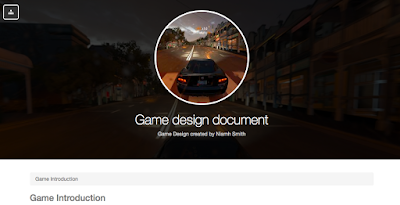
The name of my game is "Past the Limit". It's a first person driving game where the aim is to beat all competitors in races, in order to win prizes such as new cars and money and become the best in the world. The background for my game comes from the desire to drive fast and show others how powerful the cars the driver owns are. It comes from the perspective of a car mad person who wants to compete in the best competitions in the world and have the title of 'world champion'. In this game, you are the driver. You are the racer. Each race will have one or two laps. The first player to pass over the finish the line will be crowned winner of the race. The more races you win the more money, cars and power you gain. Over time you will build up your reputation and have players want to challenge you for your goods. If the other competitors cross the finish line before you, the game will immediately finish and you will not finish the race and will not gain any prizes. ...


Comments
Post a Comment